Lightroom Mobile for Beginners
Master Mobile Editing with Ease – Anytime, Anywhere with The Photo Academy NI
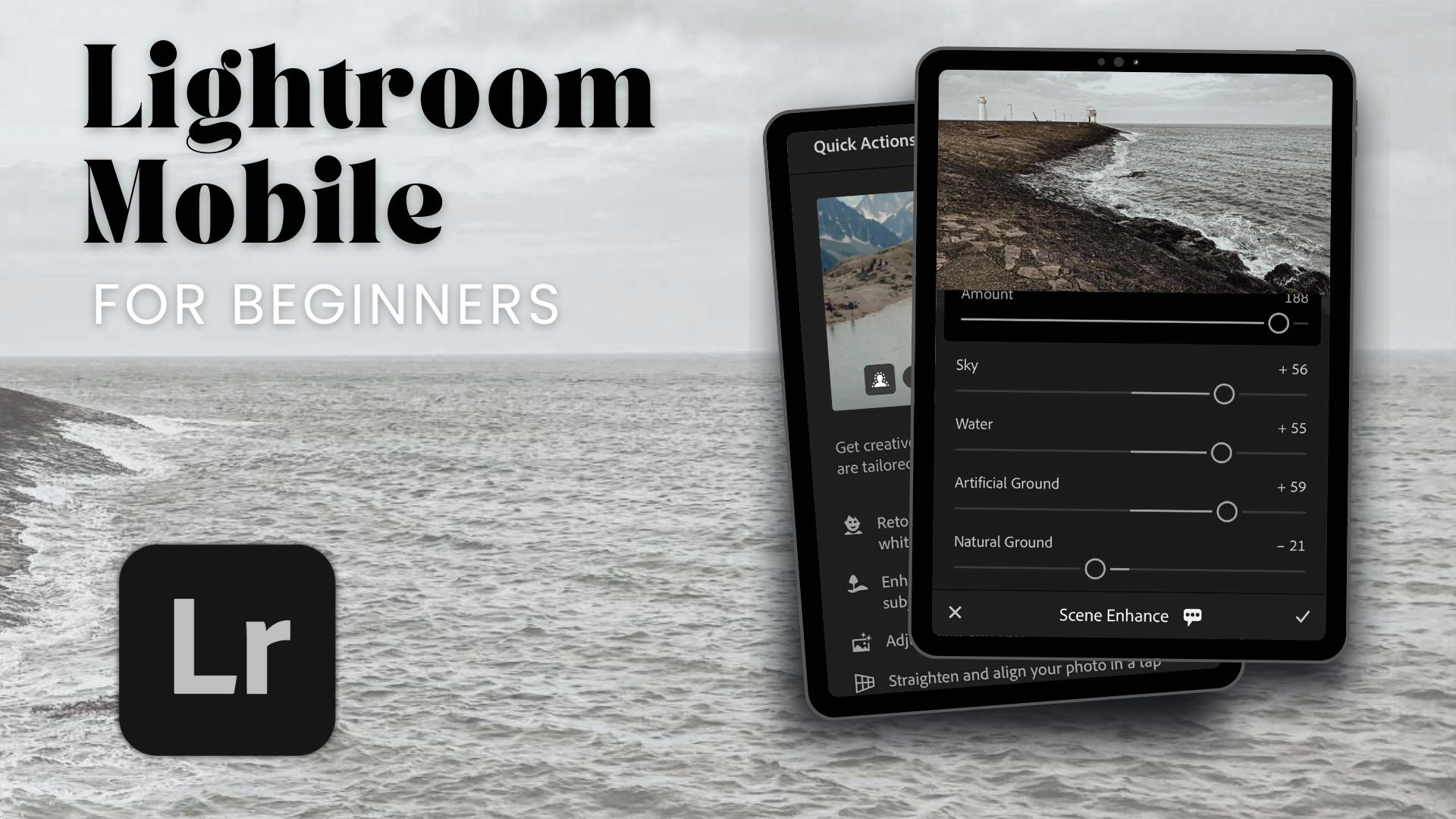
Ready to take photo editing on your mobile to the next level? Whether you’re snapping portraits of friends, capturing epic landscapes or just want to make your Instagram grid look amazing – our Lightroom Mobile for Beginners is the course for you.
At The Photo Academy NI, we’ve created a fun, easy-to-follow, and totally flexible online course that helps you unlock the full potential of the Lightroom Mobile app. No confusing jargon. No experience needed. Just you, your phone, and everything you need to create stunning images on the go.

Format: Self-paced online learning
Duration: As long as you need (plus you have lifetime access)
Delivered by The Photo Academy NI, the training arm of Divine Photography

What You’ll Learn on Lightroom Mobile for Beginners
The course is broken down into easy-to-follow sections. Each module is packed with short, pre-recorded video lessons that you can watch at your own pace – anytime, anywhere.
Here’s a sneak peek at what’s inside:
- Getting Started with Lightroom Mobile
Learn how to navigate the app, import your photos, and get set up for editing success. - Understanding the Basics
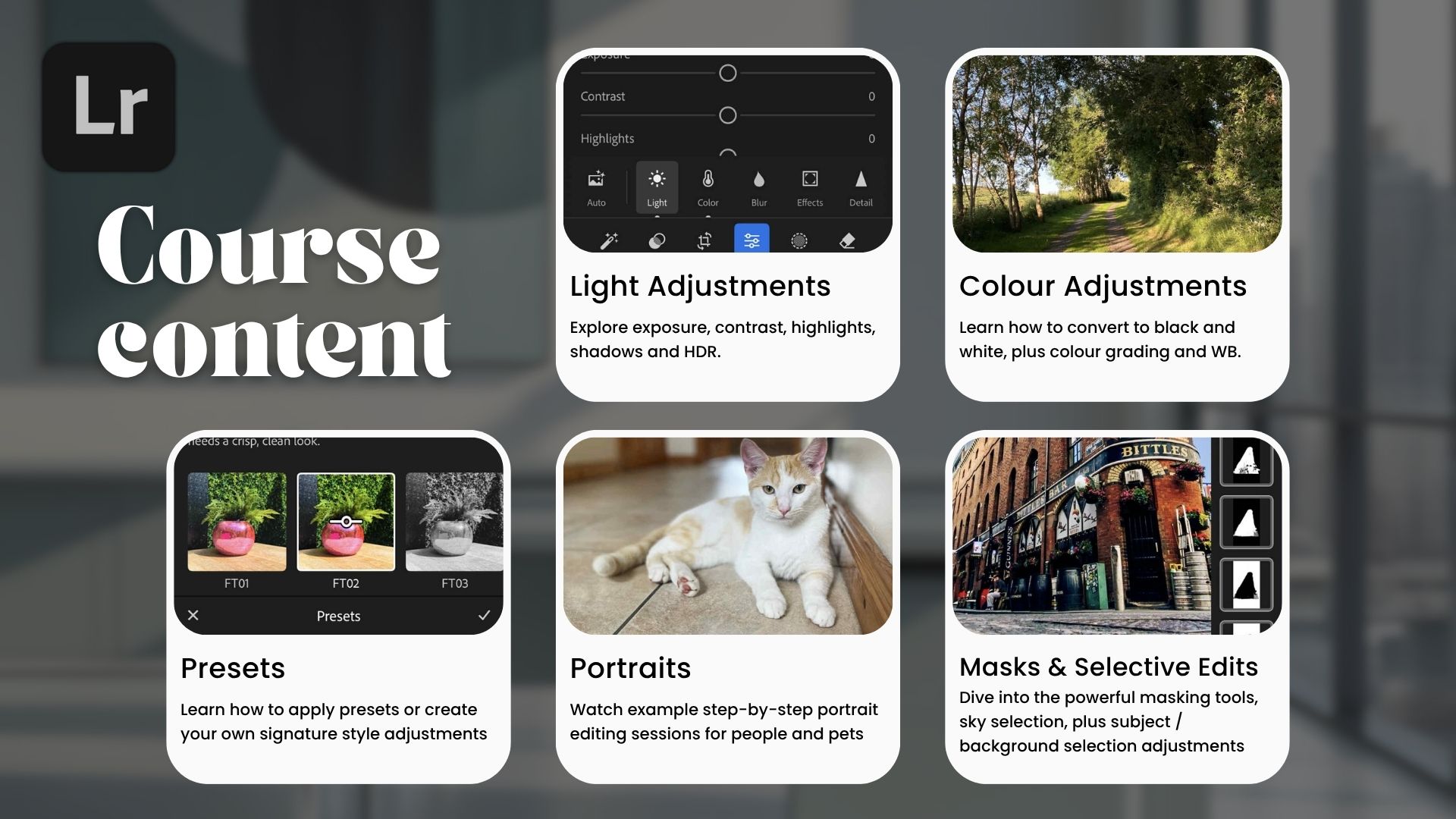
Explore exposure, contrast, highlights, shadows, and white balance. You’ll understand what each editing section does – and when to use it. - Editing Portraits Like a Pro
Watch example step-by-step portrait editing sessions where we enhance skin tones, fix lighting, and bring out natural beauty. - Landscape Magic
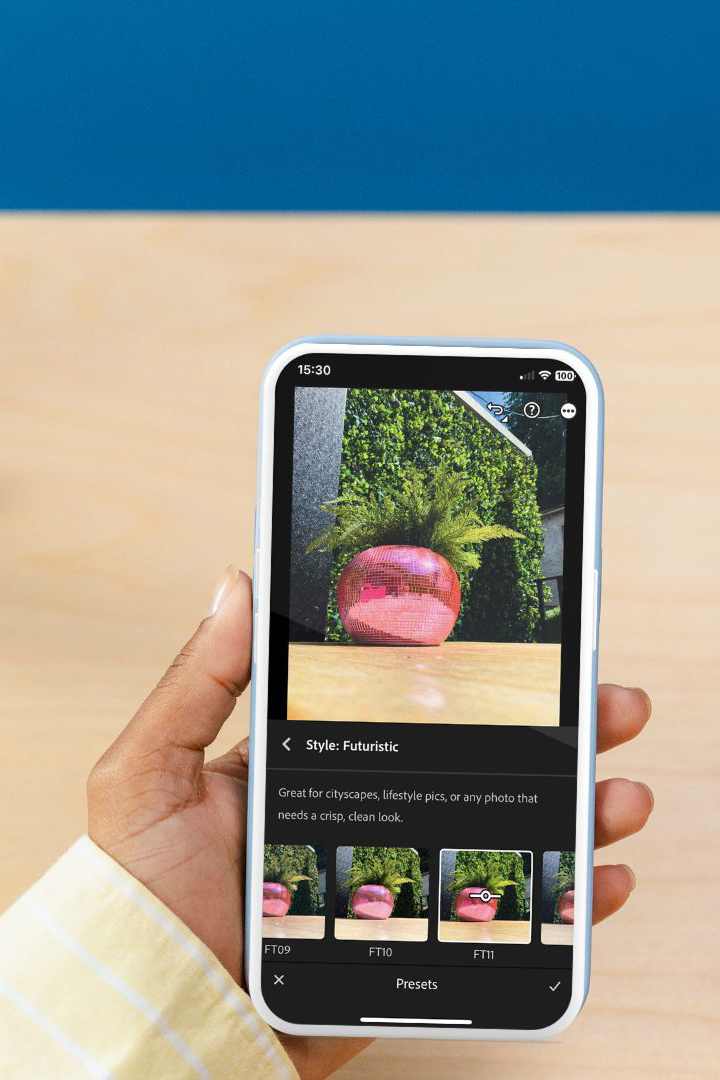
Discover how to make your travel and outdoor shots pop with colour and depth. - Creating Your Own Presets
Save your signature style and speed up your workflow by building custom presets. - Using Masks and Selective Edits
Dive into the powerful masking tools, including sky selection, subject and background selection adjustments. - Quick Actions & AI Tools
Learn how to use Lightroom’s smart tools to enhance your photos in seconds, removing objects and people where they are not required. - Quizzes and Certificate
Each section ends with a quick quiz to help you remember what you’ve learned. Complete the course and you’ll receive an official Certificate of Completion from The Photo Academy NI!
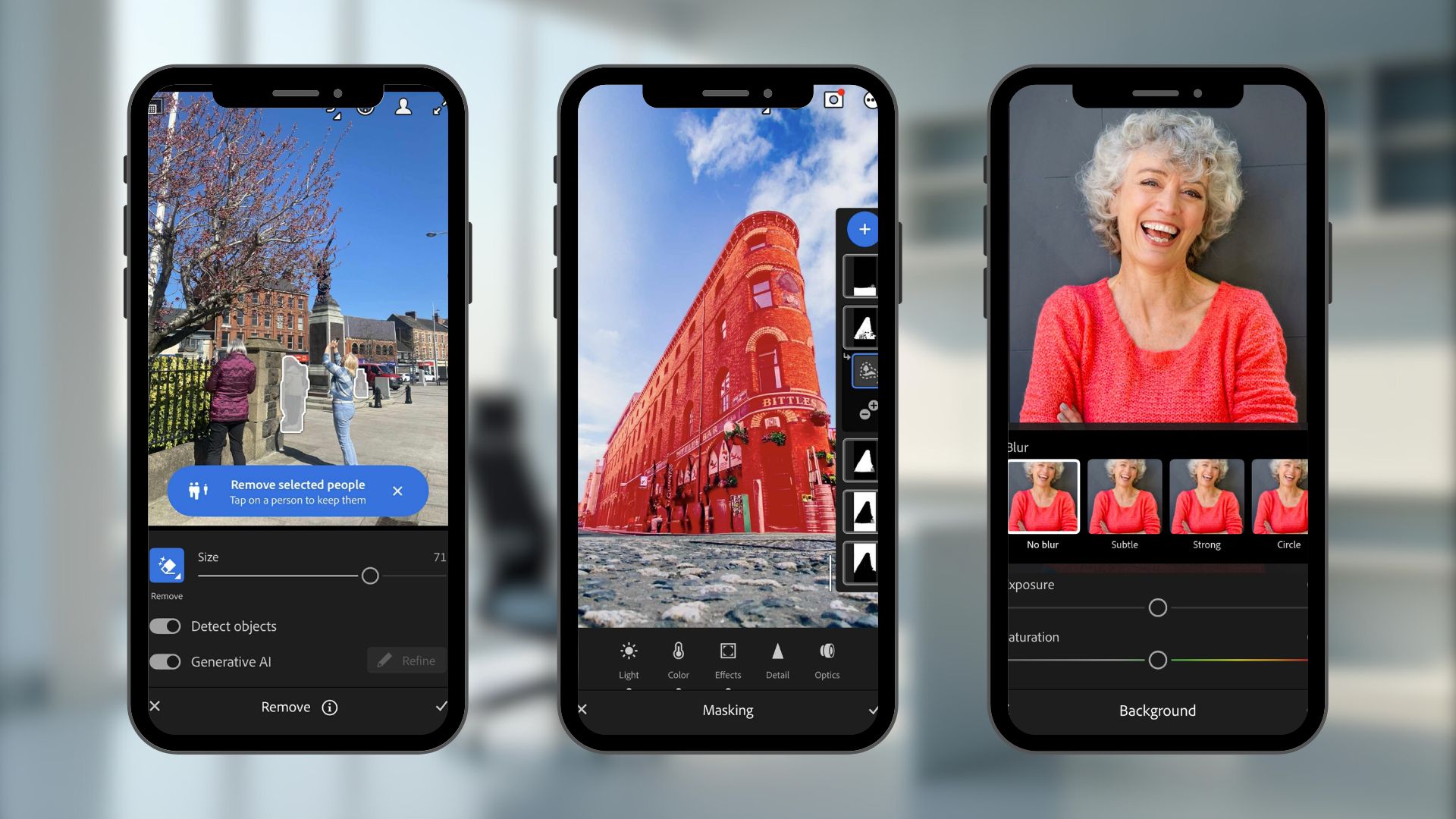
Why choose Lightroom Mobile for Beginners?
Taking your photos is just half the story. Whether you use your smartphone or camera to capture your images, editing is where the magic can truly transform your work. Adobe Lightroom Mobile gives you powerful editing tools right at your fingertips, and once you learn how to use them, your photos will never look the same again.
This course is designed specifically for the Lightroom Mobile app, not the desktop version. However, a lot of the information that we cover will apply to the desktop version as well. Everything we teach on this course is relevant, hands-on and totally tailored to mobile editing.
Whether you’re an absolute beginner or someone who wants to sharpen their skills, this course will guide you through everything from basic adjustments to advanced AI-powered features.
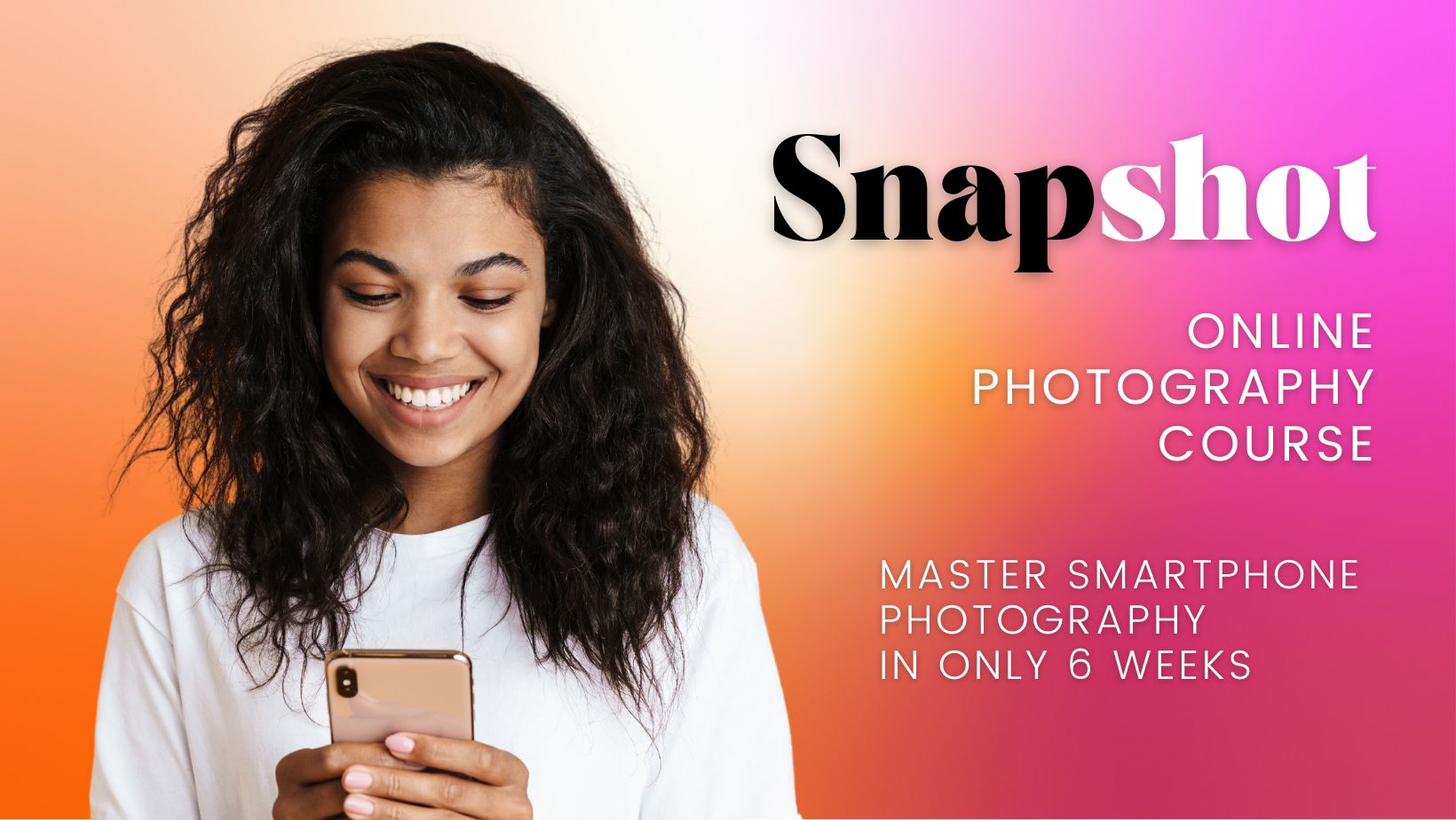
Bonus Perk: Save 50% on Smartphone Photography!
When you sign up, you’ll get an exclusive 50% discount code for our Snapshot Online Smartphone Photography Course – the perfect companion to this editing course. Learn how to shoot better, then come back and make your images shine in Lightroom Mobile.

Who Is Lightroom Mobile for Beginners Suitable For?
- Complete Beginners: Never used Lightroom before? Don’t worry – we start from the very beginning.
- Social Media Creators: Want scroll-stopping photos that match your brand aesthetic? We’ve got you.
- Hobby Photographers: Learn how to edit your travel, pet, family or nature photos with confidence.
- Small Business Owners: Take control of your business photography without needing a professional.
- Students & Creatives: Whether you’re building a portfolio or just want to learn something new, this course is for you.

Why Choose The Photo Academy NI?
At The Photo Academy NI, we don’t just teach – we guide, support, and inspire. Here’s what makes us different:
✅ Mobile-Focused Learning: This course is built entirely around Lightroom Mobile, not desktop application
✅ Real-World Editing Examples: Follow along as we edit real portraits and landscapes from start to finish.
✅ Learn at Your Own Pace: No pressure, no deadlines. Pick up where you left off anytime.
✅ Lifetime Access: Once you’re in, you’re in! Rewatch videos whenever you need a refresher.
✅ Interactive & Engaging: Quizzes after every section help you retain what you learn.
✅ Professional Teaching, Friendly Style: We make editing feel easy – and fun!
What’s Included in the Price?
🎥 Pre-recorded Video Lessons covering essential photo editing topics
💻 Quizzes at the end of each section – Helping to embed learning and your new skills
✅ 50% discount off our Snapshot Smartphone Photography Course improve your photography skills at a reduced price as well
🎓 Certificate of Completion upon finishing
Student Testimonials
“Absolutely loved this course. I always felt intimidated by Lightroom, but this made it so simple. I’ve already created my own presets and my Instagram looks so much better!”
— Chloe M., Belfast
“I didn’t realise how powerful Lightroom Mobile really is. The lessons were super clear and easy to follow, and I loved the bonus discount on the photography course. Money well spent!”
— James R., Coleraine

FAQ
Q: Do I need a paid Lightroom subscription to take the course?
A: We recommend the Lightroom Premium plan to access all features, including masking and AI tools. However, many of the lessons are also applicable to the free version.
Q: Can I take this course if I’ve never edited a photo before?
A: Absolutely! This course is designed with beginners in mind. We’ll walk you through everything step by step.
Q: How long is the course?
A: The course is designed to be studied at your own pace, broken down into bite-sized lessons. Learn at a time that works for you and over whatever duration that suits your pace of learning.
Q: Is there a certificate?
A: Yes! Complete all the sections and quizzes to receive your Certificate of Completion from The Photo Academy NI.
Q: How do I access the bonus 50% discount for the Snapshot Smartphone Photography Course?
A: Once you enroll, we’ll send your unique discount code via email. You can use it anytime.
Ready to start Lightroom Mobile for Beginners?
Start your journey into mobile photo editing today with this affordable, easy-to-follow, and inspiring course. Don’t let your best shots sit unedited in your camera roll. With our Lightroom Mobile for Beginners course, you’ll gain the confidence and skills to make your photos look amazing – all from your phone.
Join now and start editing like a pro – even if you’re brand new to photo editing.
🎥 Lifetime access | 📸 Beginner-friendly | 💬 Community support |📍 Location: 100% Online
👉 Sign up now and start your photo editing journey with The Photo Academy NI.
Lightroom Mobile for Beginners – Easy, flexible online course helping you master photo editing on your phone from The Photo Academy NI
Curriculum
- 14 Sections
- 18 Lessons
- Lifetime
- Module 1 - Getting Started with Lightroom Mobile4 Items
- Module 2 - Light Adjustments2 Items
- Module 3 - Colour Adjustments2 Items
- Module 4 – Remove Tool and Generative AI2 Items
- Module 5 – Using Presents and creating your Signature Style2 Items
- Module 6 – Quick Actions and Scene Enhancement2 Items
- Module 7 - Blur and Detail Tools1 Item
- Module 8 – Masks and Selective Adjustments2 Items
- Module 9 - Live Examples of Portrait Edits2 Items
- Module 10 - Live Examples of Landscape Edits2 Items
- Module 11 - Taking photos in Lightroom using Pro Mode2 Items
- Module 12 - Effects Tool, Crop, Rotate and Auto Geometry2 Items
- Module 13 - Saving and Exporting Your Images1 Item
- Module 14 - Sharing your images and Collaborating with Others1 Item
